


Complete Guide to Enterprise NVMe SSDs
Published date: 17 March 2026
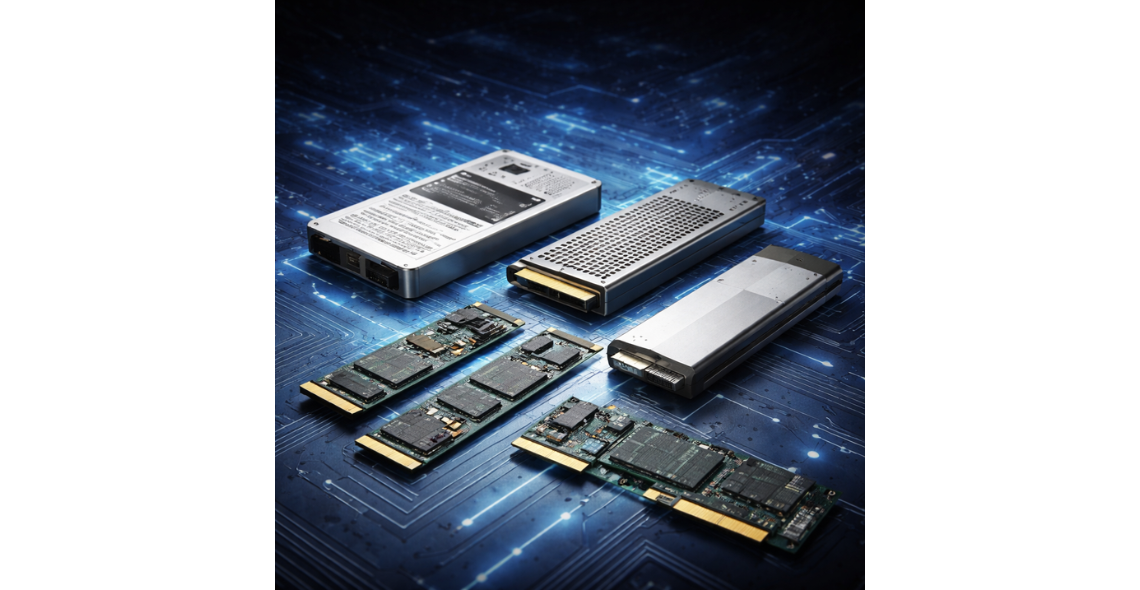
As data centres transition to PCIe 5.0 infrastructure, enterprise storage architecture is evolving rapidly. New form factors such as E1.S and E3.S (EDSFF) are emerging alongside the long-established U.2 enterprise SSD format.
For IT procurement teams, infrastructure architects and data centre engineers, choosing the right SSD form factor is no longer just about compatibility — it directly affects performance density, airflow, scalability and long-term infrastructure planning.
Organisations deploying next-generation NVMe storage are increasingly evaluating modern enterprise drives such as those available in the Origin Storage enterprise SSD range, which includes high-performance PCIe 5.0 solutions designed for enterprise and hyperscale environments.
In this guide, we break down the key differences between E1.S, E3.S and U.2 SSD form factors, and help you determine which option best suits modern PCIe 5.0 enterprise server environments.
Understanding Enterprise SSD Form Factors
Enterprise SSD form factors define the physical design, connectivity and deployment model for flash storage in servers and storage arrays.
Three major formats dominate modern enterprise NVMe deployments:
U.2 (2.5" NVMe SSD)
E1.S (EDSFF short form factor)
E3.S (EDSFF scalable form factor)
While all three can support PCIe 5.0 NVMe performance, they differ significantly in density, thermal characteristics and future scalability.
If you're exploring available enterprise drives across different capacities and form factors, you can browse the full range of enterprise NVMe SSDs available here.
U.2 SSDs – The Established Enterprise Standard
U.2 has been the dominant enterprise NVMe SSD form factor for years. It uses the traditional 2.5-inch drive design, making it widely compatible with existing server infrastructure.
Key Advantages of U.2 SSDs
Broad compatibility with enterprise servers
Mature ecosystem and proven reliability
Hot-swap capability for easy maintenance
Ideal for upgrading existing infrastructure
Many organisations upgrading to PCIe 5.0 continue to deploy U.2 NVMe SSDs due to their widespread compatibility with rackmount servers and storage platforms. These drives are commonly available across a wide range of capacities in the enterprise SSD product catalogue.
Limitations
Larger physical footprint
Lower storage density compared to EDSFF designs
Less optimised airflow in high-density PCIe 5.0 environments
Despite these limitations, U.2 remains one of the most practical options for data centre upgrades where existing infrastructure must be preserved.
E1.S SSDs – Compact High-Density Storage
E1.S is part of the Enterprise and Datacenter SSD Form Factor (EDSFF) standard designed to improve density and thermal performance in modern servers.
Unlike U.2 drives, E1.S SSDs are significantly smaller, allowing data centres to deploy more drives per server chassis.
Key Advantages of E1.S
Higher storage density in compact servers
Improved airflow and thermal efficiency
Designed for modern hyperscale infrastructure
Ideal for performance-focused storage tiers
E1.S drives are increasingly being adopted by organisations building next-generation storage environments that prioritise performance density and cooling efficiency.
Enterprise NVMe SSDs built on modern architectures, such as those available in the Origin Storage enterprise SSD portfolio, are helping drive this shift toward higher-density form factors.
E3.S SSDs – The Future of Scalable Enterprise Storage
E3.S represents a larger EDSFF form factor designed for scalable enterprise deployment. It offers the airflow advantages of EDSFF while providing strong serviceability and higher capacity options.
For organisations designing new PCIe 5.0 server infrastructure, E3.S is rapidly becoming the preferred storage architecture.
Key Advantages of E3.S
Higher storage density than U.2
Improved airflow and thermal management
Designed for next-generation data centre servers
Optimised for hyperscale and AI workloads
These characteristics make E3.S particularly suitable for large-scale analytics environments, AI workloads and high-performance computing clusters.
As PCIe 5.0 adoption increases, E3.S-based SSDs are expected to become more widely available within the enterprise NVMe SSD market.
PCIe 5.0 and Why Form Factor Matters
PCIe 5.0 doubles the bandwidth of PCIe 4.0, enabling significantly faster enterprise storage performance.
However, this increased performance also introduces greater thermal and power requirements.
EDSFF form factors such as E1.S and E3.S were specifically developed to address these challenges by offering:
Improved airflow pathways
Better power delivery
Higher rack-level storage density
This is why many new data centre platforms are moving toward EDSFF storage designs, particularly in high-performance computing environments.
Quick Comparison: E1.S vs E3.S vs U.2
Which SSD Form Factor Should You Choose?
The right choice depends on your infrastructure strategy and deployment goals.
Choose U.2 if:
You are upgrading existing servers
Compatibility and simplicity are priorities
Your infrastructure already supports U.2 NVMe drives
Choose E1.S if:
You require maximum storage density
You are deploying compact or edge servers
Your platform supports EDSFF architecture
Choose E3.S if:
You are designing new PCIe 5.0 infrastructure
Thermal efficiency and scalability are priorities
You require high-density enterprise storage
Planning for Future Enterprise Storage Infrastructure
As PCIe 5.0 becomes standard across modern servers, organisations are increasingly evaluating form factor strategy alongside storage performance.
While U.2 remains essential for compatibility, EDSFF designs such as E1.S and E3.S represent the future of high-density enterprise NVMe storage.
By understanding the strengths of each form factor, IT teams can design storage platforms that balance performance, scalability and operational efficiency while supporting long-term data centre growth.
To explore available enterprise NVMe solutions across multiple capacities and form factors, browse the Origin Storage solid state drive catalogue.


Comments
There are currently no comments, be the first to comment.